
Make a Typed answer Card
Make a Typed answer Card with a question and an answer key you can check after you try.
A Typed Card asks you to type an answer before you see the answer key. Use it when the wording can vary but a few important ideas must be there.
Create the Card
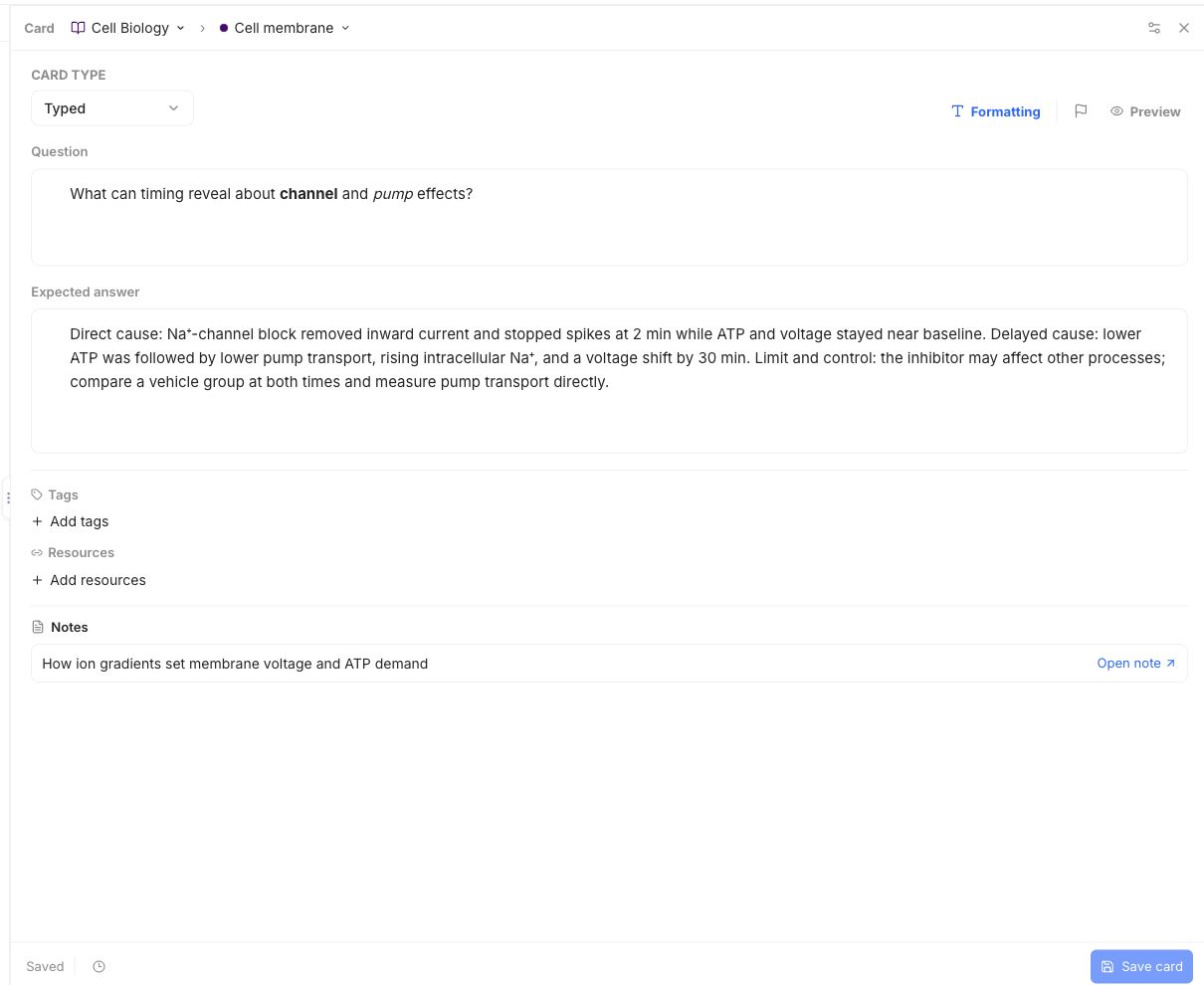
In Library, open a Note, choose Cards, then Add card to learning note. Select Typed. Fill in Question and Expected answer. Tell the learner what to explain, but keep the full answer in Expected answer.
This example asks what the timing of two cell changes can show. The answer key has three parts: the quick effect, the later pattern, and a limit with a comparison to check.
When you practise this Card, enter your response and choose Check answer. Compare your response with the expected ideas, then grade how well you knew them. A correct answer needs the evidence and its limit, not the same exact wording.
Save the Card and wait for Saved. See the quickstart for the shared Note and how to answer in a Review.
Use Basic when you want a fuller explanation, or Cloze when you want to fill in missing parts of a passage.