
Hide part of a sentence with Cloze
Make a Cloze Card that hides connected details while leaving enough of the explanation visible to think through.
A Cloze Card hides words or phrases inside a passage. You recall the missing parts while the rest of the explanation stays visible.
Make a Cloze Card from a Note
In a Note, select the words you want to remember. Choose Make cloze in the writing toolbar. Choose Make cloze with hint if a short clue would help. You can also choose Cloze from the Card type menu and write the hidden parts yourself.
This example connects the fast loss of a cell signal to a slower change in its energy supply, pump, and voltage. It also hides the limit on what the evidence proves.
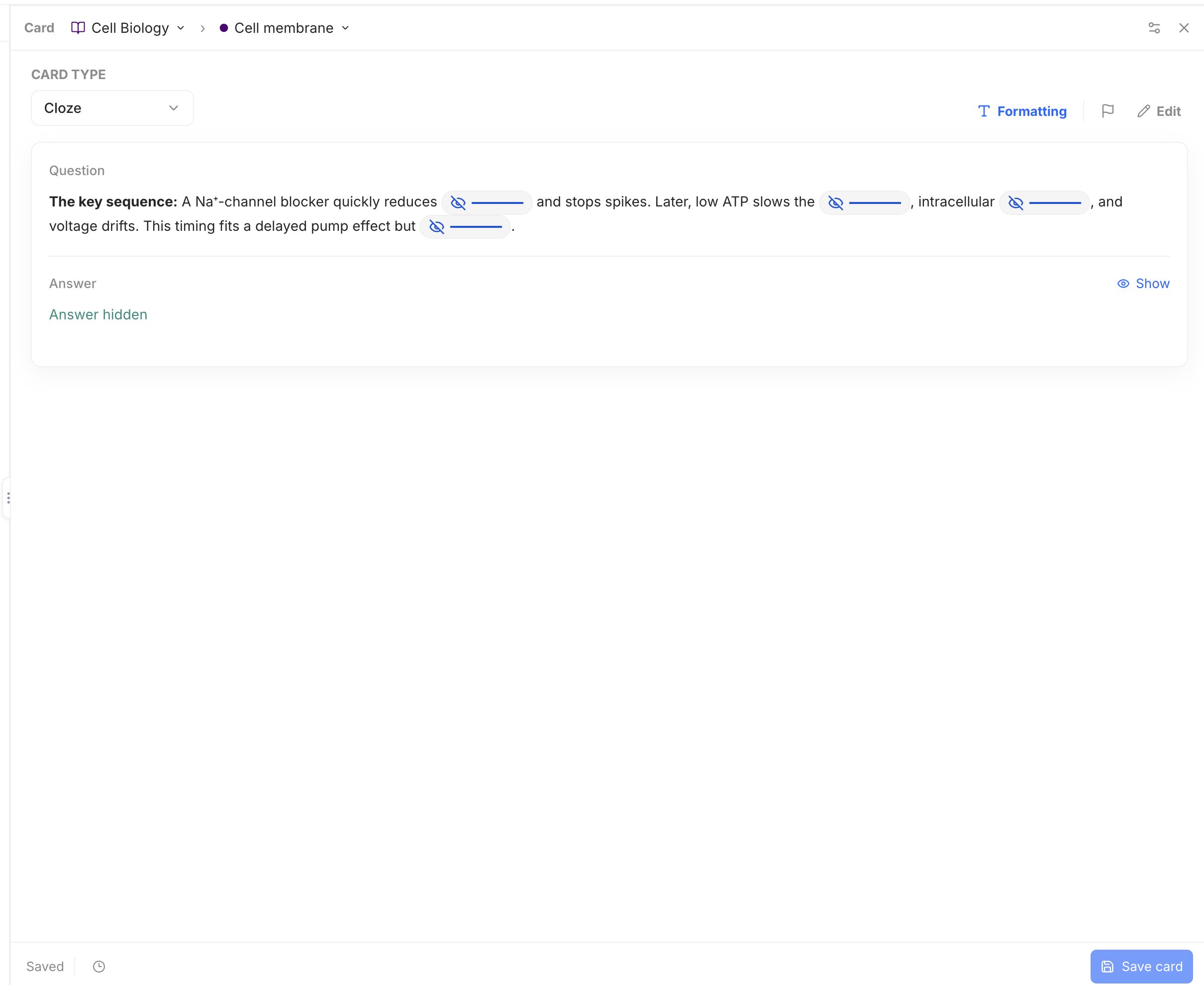
In Cloze text, write each answer between {{c1:: and }}. Add :: and a short clue if it helps, as in {{c1::inward current::fast ion flow}}. Use c2, c3, and c4 for the next hidden parts. Keep the timing and surrounding clues visible; a learner should connect the ideas rather than guess a missing word.
Preview the Card to check that each blank has enough clues. Save the Card and wait for Saved. See the quickstart for the full example.
Use Typed when you want to write a whole answer, or Basic when you want to explain your reasoning.