
Build an experiment with a List Card
Make a List Card that puts connected checks in order and explains what each result can show.
A List Card asks you to rebuild steps in order. Use it when a process has several connected checks and their order changes what you can conclude.
Create a List Card
In Library, open a Note, choose Cards, then Add card to learning note. Select List. Write one question, then add each answer as its own item. Press Enter for another item or Shift+Enter to keep writing within the same item.
This example compares a fast channel effect with a later change in the pump that keeps sodium and potassium levels apart. A vehicle control is the same liquid without the active treatment.
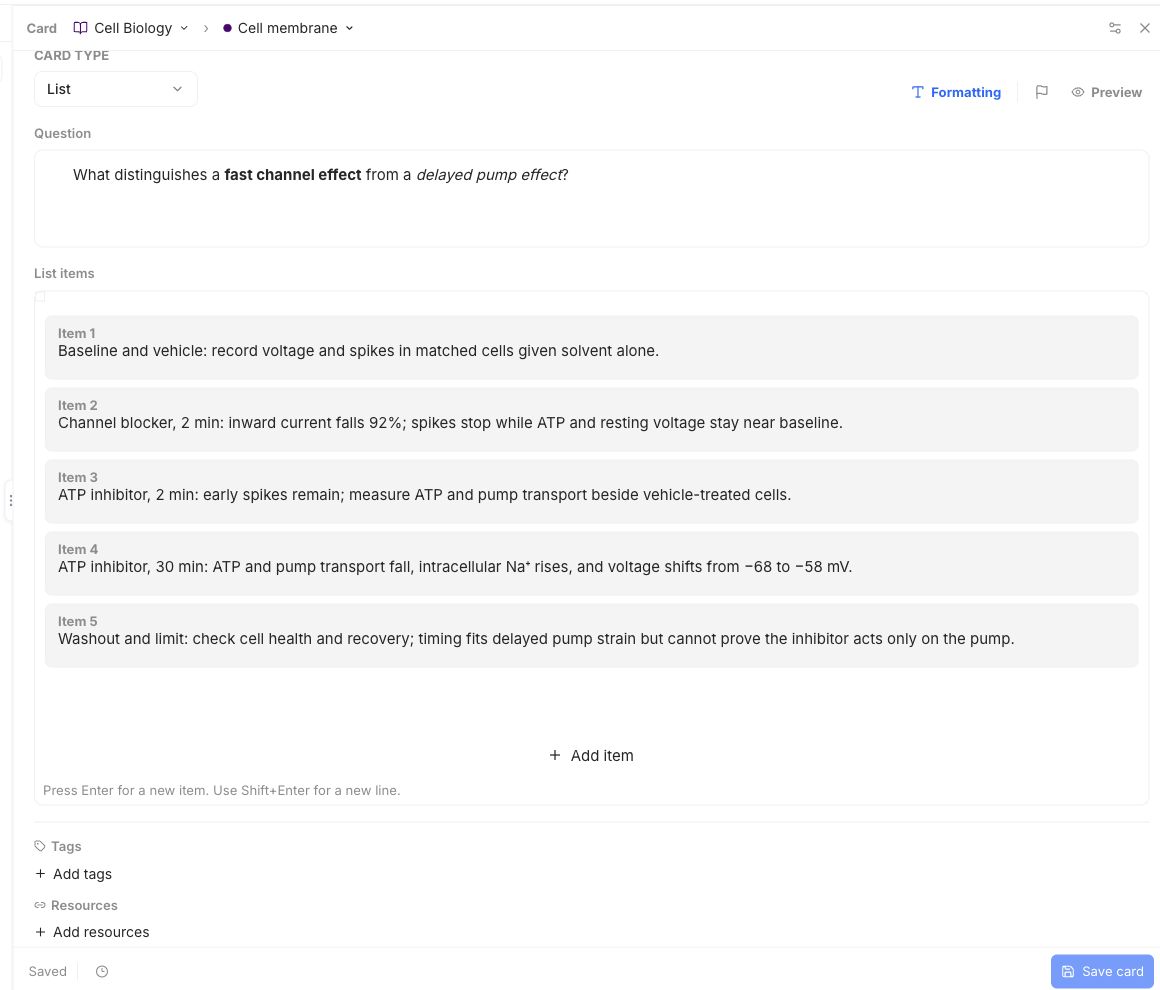
The five items move from a starting check and fair comparison, to early and late measurements, then a check for recovery. Their order helps separate what happened first from what may have happened later. The final item also says what the results cannot prove alone.
Preview the Card and check that every answer is a separate item. Save it and wait for Saved. See the quickstart for the Note and matching Cards.
Use Basic for a fuller explanation, Typed for a carefully stated answer, or Cloze to fill missing details.